Defence (DEF)
The Defence functional area (F3) provides threat detection, classification, and tracking displays. It integrates with the DDS Battlespace Objects domain to present real-time threat information to the operator.
Radar View
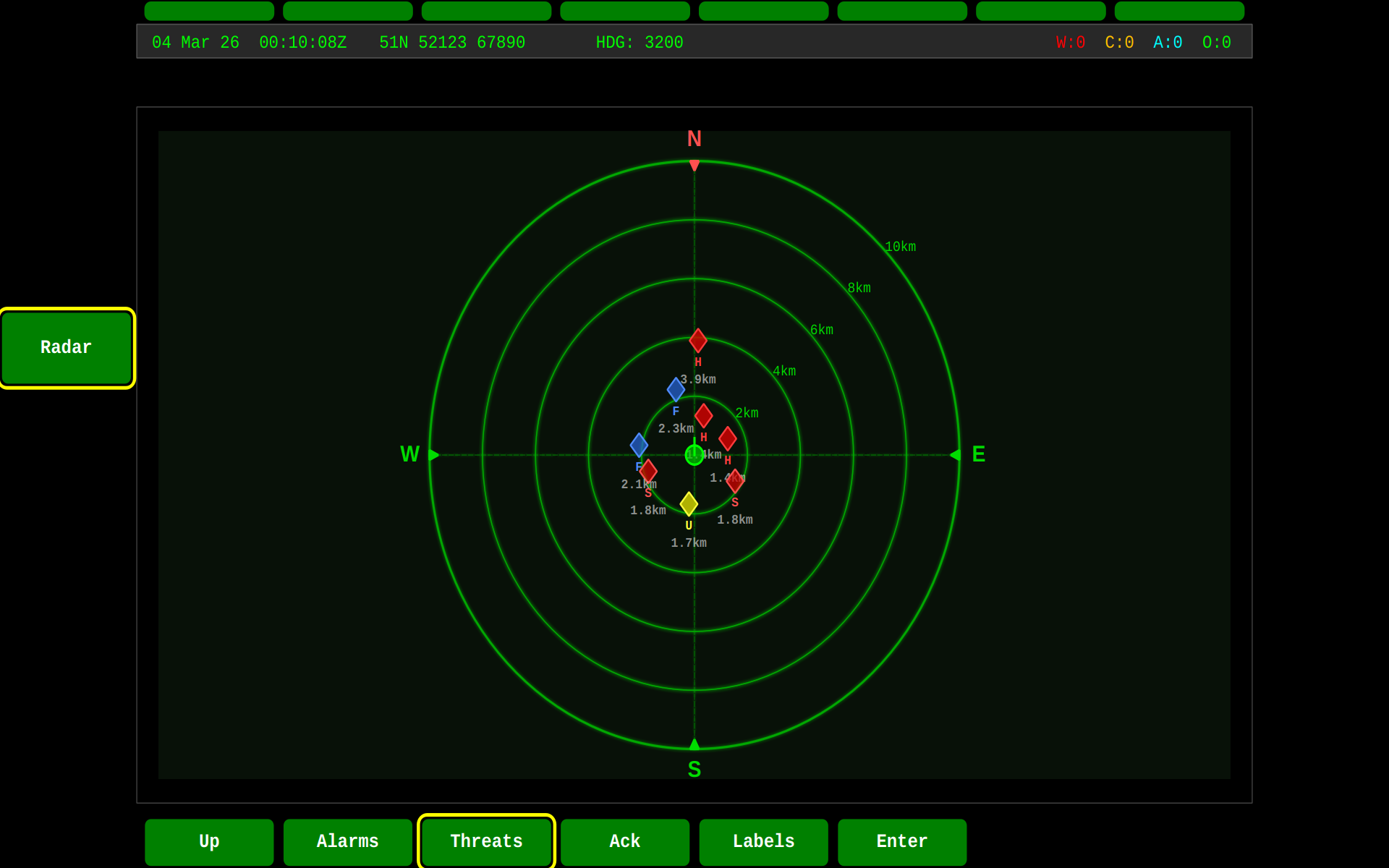
The DEF screen features a top-down Radar View widget that displays a plan position indicator (PPI) centred on the vehicle's position. Threats appear as colour-coded diamond markers positioned by bearing and range:
The zoomed view provides greater detail for closer threats, toggled with F2:
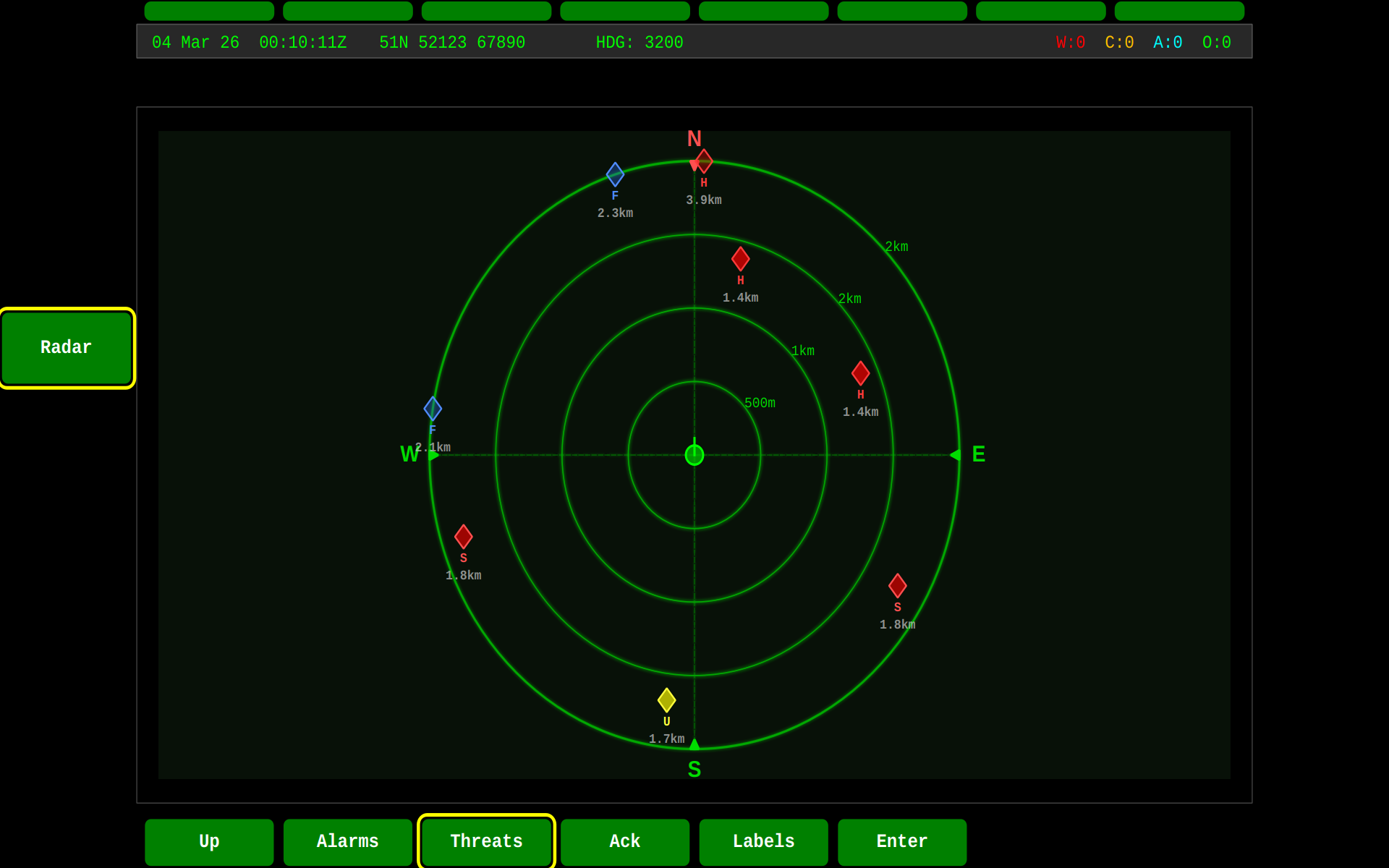
Radar features:
- Range rings at 2 km intervals (5 rings out to 10 km)
- N/S/E/W compass markers that rotate with vehicle heading
- Threat diamonds colour-coded by hostility:
- Red — Hostile
- Orange — Suspect
- Yellow — Unknown
- Green — Neutral
- Blue — Friendly
- Click-to-zoom toggle for close-range inspection
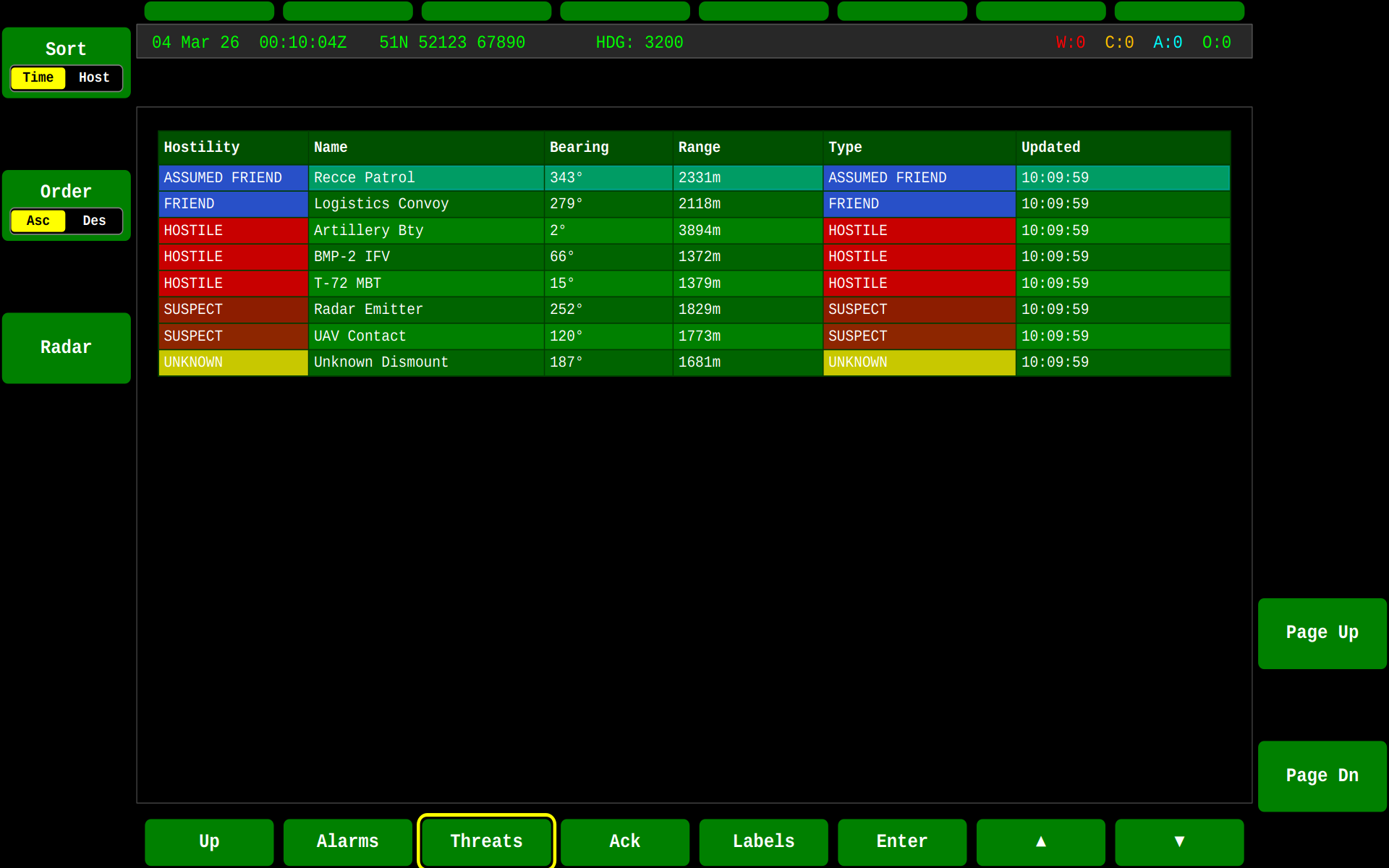
Threat Table
The tabular view lists all tracked battlespace objects with hostility classification, bearing, range, object type, and last update time:
LSAS Strip Threat Overlay
When the LSAS camera strip is visible, threat indicators are overlaid directly onto the camera thumbnails. Each threat diamond appears at the bearing position on the corresponding camera view, giving the operator immediate visual correlation between the camera feed and detected threats.
- Closer threats appear lower on the thumbnail (near the direction bar)
- Distant threats appear near the top
- Colour coding matches the radar hostility scheme
- Labels show threat identifiers (e.g. "H1", "S2") and range in metres
See Threats for the complete threat lifecycle and display details.
DEF Controls
| Key | Action |
|---|---|
| F1 | Toggle radar zoom (min ↔ max range) |
| F2 | Cycle map background (Off → Satellite → Topo → Street) |
| F3 | Toggle Radar / FOV overlay |
| F4 | Toggle Narrow / Wide FOV mode |
| F5 | Toggle camera PIP |
| F6 | Toggle weather radar overlay |
| F7 | Toggle Track All trails |
| F9 | Switch to Threats table |
| F19 | Select next threat (further) |
| F20 | Select previous threat (closer) |
HID Controller
When a gamepad or joystick is connected via gva-gateway-joystick, the DEF radar supports hands-on control:
| Input | Action |
|---|---|
| Right Trigger | Zoom in (proportional) |
| Left Trigger | Zoom out (proportional) |
| RB | Next threat + auto-centre |
| LB | Previous threat + auto-centre |
| X | Cycle map type |
| Y | Toggle min/max zoom |
| Back | Reset view to vehicle |
See HID Controller Setup for full configuration details and JSON binding reference.
State Machine
Related
- Threats — Threat lifecycle, DDS topics, and display integration
- PPI Widget — Radar overlay styles and configuration
- SA — Situational Awareness with PPI overlay
- HID Controller Setup — Gamepad/joystick setup and JSON binding reference